Guides
The clock-in app that clocks you in
A clock-in app works as long as you remember to clock in. Mark My Hours does it for you: your phone notices when you arrive at your workplace and when you leave.
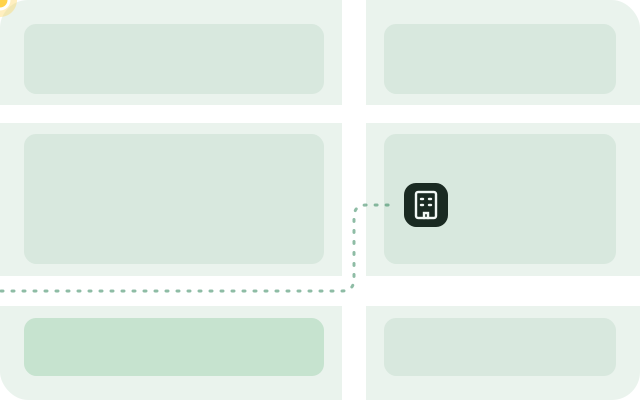
How automatic clock-in works
- You set your workplace and draw a circle around the building.
- When you enter the circle, your phone wakes the app. The clock starts quietly, or asks first, as you prefer.
- When you leave the circle, the entry ends. If you come back in time, the time away becomes a break.
What if I forget to clock in?
That is exactly what it is made for: you do not have to tap anything. If something starts or ends at the wrong time, you correct it with two taps. The day's timeline shows what happened automatically.
Pause and End on the lock screen
The running time shows on the lock screen, and on iPhone in the Dynamic Island too. You tap Pause and End right there, on Android in the notification, without opening the app.
No movement history
The app stores no routes, only the start and end of your entries. The operating system recognises your workplaces, which saves battery. Everything stays on your phone.
Frequent questions
Does the clock-in app use much battery?
No. The app does not keep asking for your location. The operating system only reports when you enter or leave your workplaces.
Does it work when the app is closed?
Yes. Your phone wakes Mark My Hours as soon as you enter or leave a workplace. For that the app needs location access set to “Always”.
Can my boss see the app?
No. There is no account and no server. Your employer only sees the proof of hours you send them yourself.
Clock in without clocking in
Mark My Hours notices when you arrive at work and when you leave, and writes your hours down on its own. At the end of the month you send your proof of hours as a PDF.
Get the app7 days free, then a one-time CHF 6